

Description
Download Twhirl – Free Twitter Desktop Client, Secure Updates, Multi‑Account Support
Overview
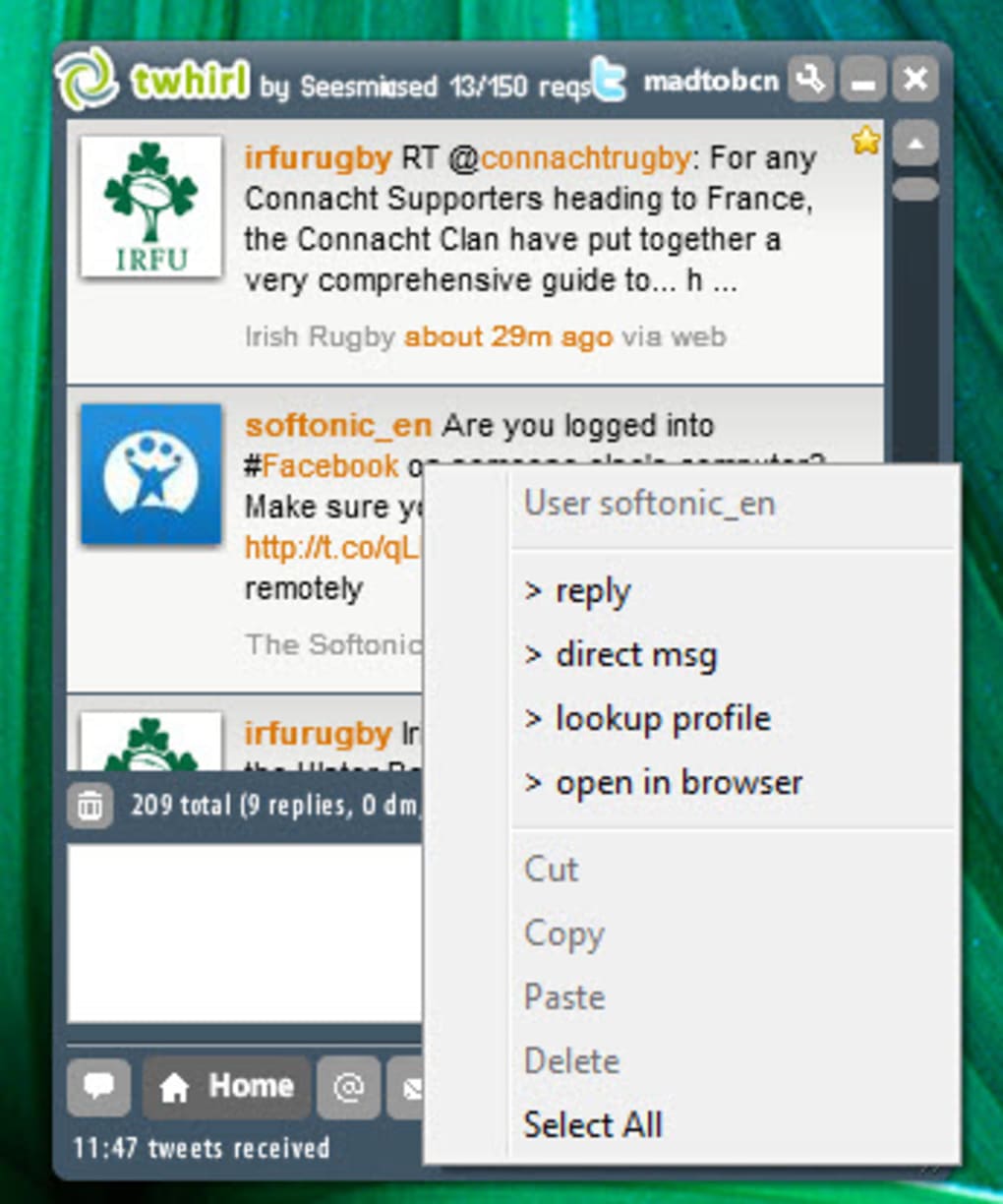
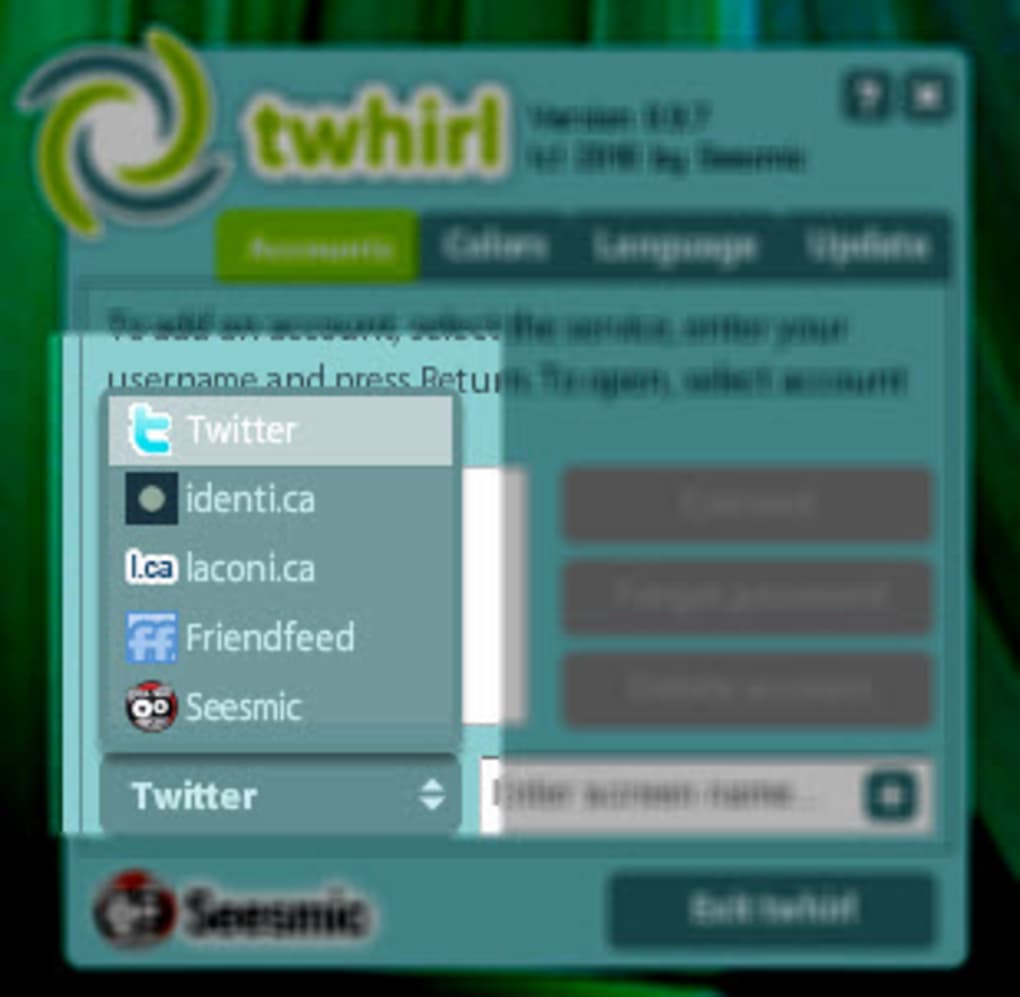
Twhirl is a compact, Adobe AIR‑based desktop client that lets you interact with Twitter, laconi.ca, and FriendFeed without opening a web browser. First released in the early days of micro‑blogging, Twhirl quickly became a favorite for power users who wanted a lightweight, always‑on‑top window that lived in the system tray. The application supports multiple Twitter accounts, real‑time notifications, direct messaging, profile browsing, and the full suite of actions you would normally perform on the Twitter website—unfollow, block, retweet, and more. Because it runs on Adobe AIR, Twhirl is cross‑platform, working on Windows, macOS, and Linux distributions that can run the AIR runtime. The client’s interface is highly customizable: you can change themes, adjust the refresh interval, and decide how notifications appear. While the visual design feels dated compared to modern, glossy clients, the underlying functionality remains solid. Users who value speed, low memory consumption, and a traditional desktop‑style experience still find Twhirl useful, especially when they need a dedicated window that stays out of the way of their primary workflow. However, the lack of recent UI updates and the dependence on Adobe AIR—an ecosystem that is no longer actively developed—means you may encounter occasional compatibility quirks. Overall, Twhirl delivers the core Twitter experience in a tidy package, offering a free, secure way to stay connected without the distractions of a full‑screen browser.
Key Features
- Multi‑account support – manage several Twitter profiles from a single window.
- System‑tray integration – Twhirl stays hidden until you need it, saving screen real‑estate.
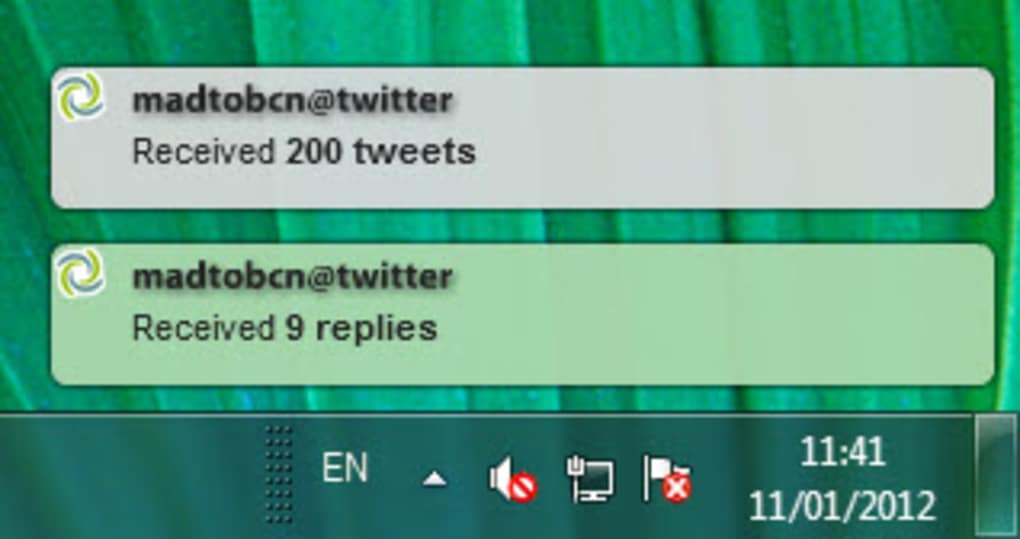
- Real‑time notifications – instant pop‑ups alert you to new mentions, direct messages, and timeline updates.
- Customizable interface – change themes, fonts, and notification styles to match your workflow.
- Full Twitter functionality – post tweets, reply, retweet, favorite, send DMs, and manage follows.
- Support for laconi.ca and FriendFeed – extend your micro‑blogging beyond Twitter.
- Lightweight footprint – minimal RAM and CPU usage compared with full browsers.
- Secure OAuth authentication – your password is never stored; Twhirl uses Twitter’s API tokens.
- Adjustable refresh intervals – balance between real‑time updates and network bandwidth.
- Portable installation – run Twhirl from a USB stick if Adobe AIR is already present on the host machine.
These features make Twhirl a versatile tool for anyone who needs a dedicated Twitter client that stays out of the way. The client’s ability to sit quietly in the system tray while still delivering push‑style alerts is particularly valuable for professionals who monitor brand mentions or need to react quickly to emerging trends. Although the UI looks a bit retro, the functional depth—especially the support for multiple accounts and third‑party services—remains a strong selling point. Users can also benefit from the adjustable refresh rates, which let you fine‑tune how often the client polls the Twitter API, helping you stay within Twitter’s rate limits while still receiving timely updates.
Installation & Usage Instructions
Step‑by‑Step Installation
- Visit the official Twhirl download page and click the “Download for Windows/macOS/Linux” button. The installer is a single
.exe(Windows) or.dmg(macOS) package. - If you do not already have Adobe AIR installed, the installer will prompt you to download the latest AIR runtime. Follow the on‑screen instructions to complete the AIR installation.
- Run the Twhirl installer. Accept the license agreement, choose the destination folder (the default location works for most users), and click “Install”.
- Once installation finishes, launch Twhirl from the start menu, desktop shortcut, or applications folder.
First‑time Setup
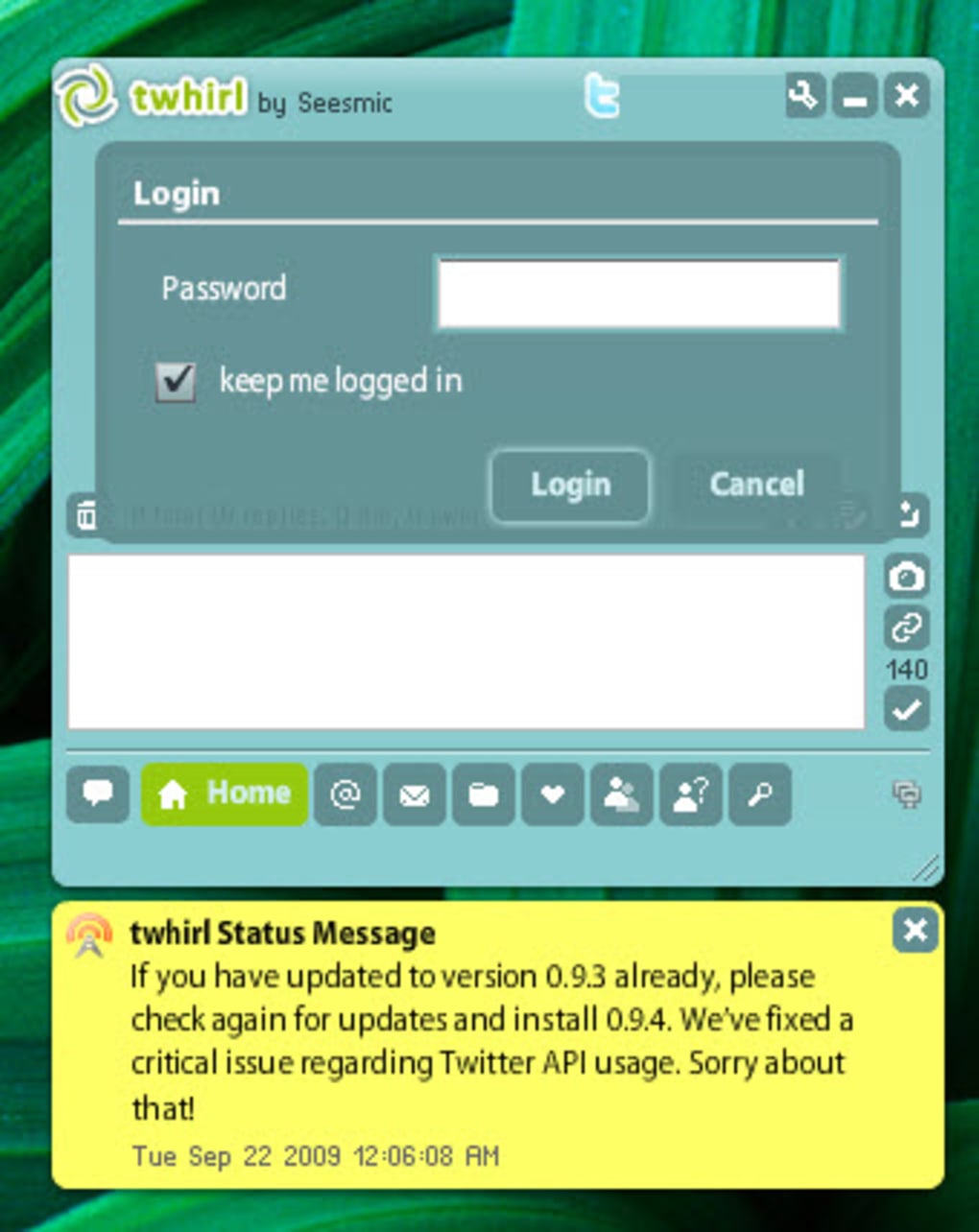
When you open Twhirl for the first time, you’ll be asked to authorize the application with your Twitter account. Click the “Add Account” button, enter your Twitter username and password, and then click “Authorize”. Twhirl uses Twitter’s OAuth system, so your credentials are transmitted securely and never stored locally. After successful authentication, you’ll see a brief “Connecting…” message while the client pulls your timeline.
Daily Usage Tips
- System‑tray shortcuts: Right‑click the Twhirl icon in the tray to quickly compose a new tweet, switch accounts, or pause notifications.
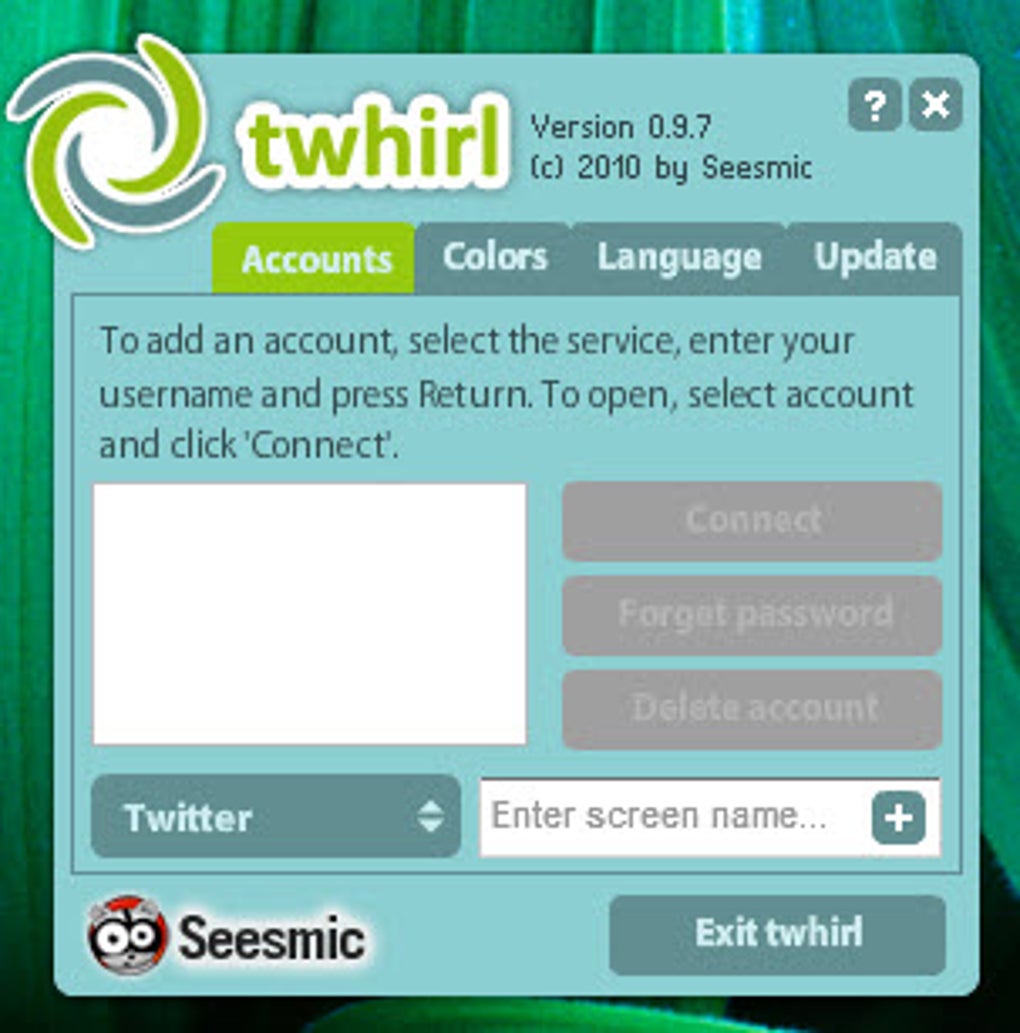
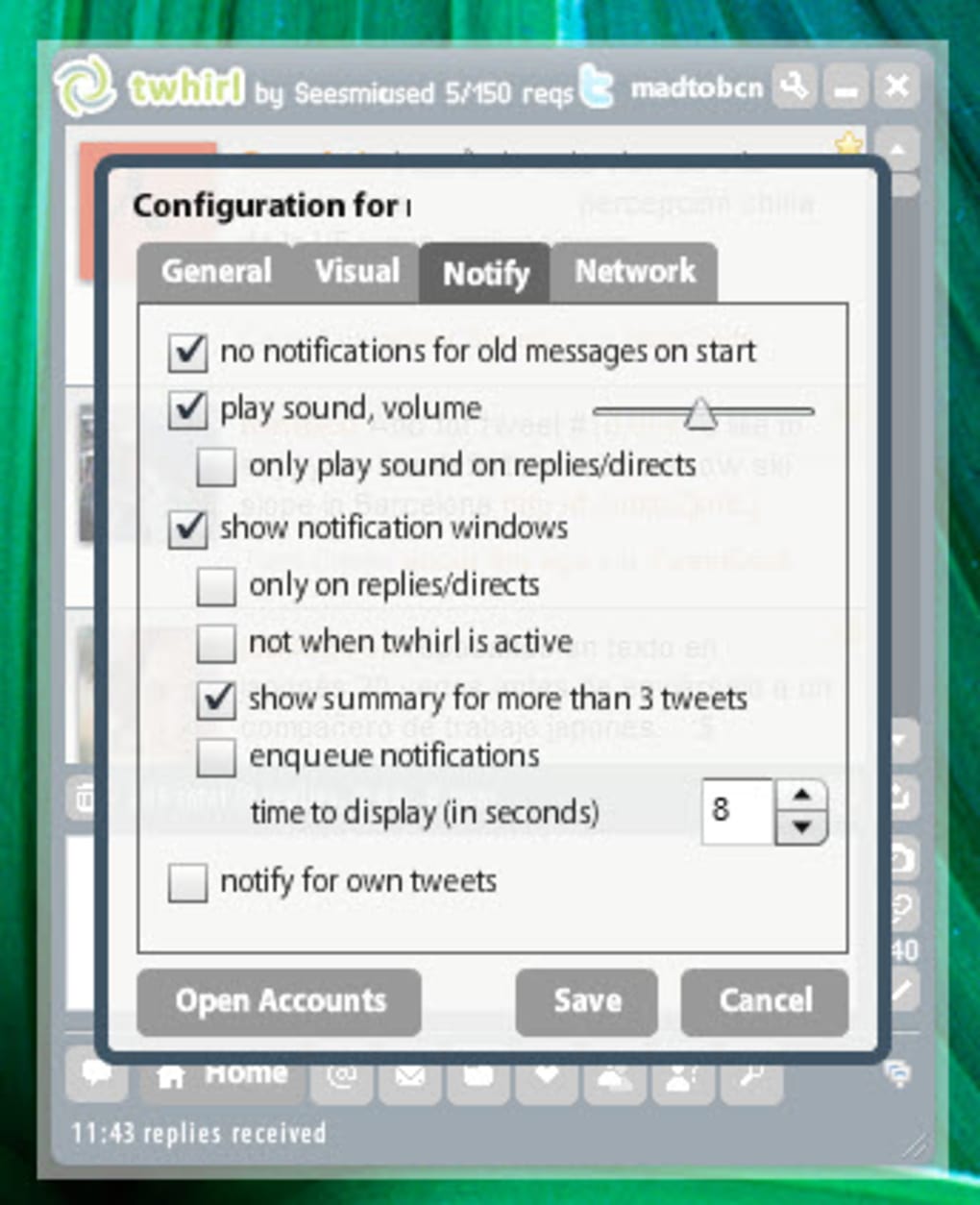
- Custom notifications: Open the Settings window (gear icon) and select “Notifications”. Choose between banner style, sound alerts, or silent mode depending on your work environment.
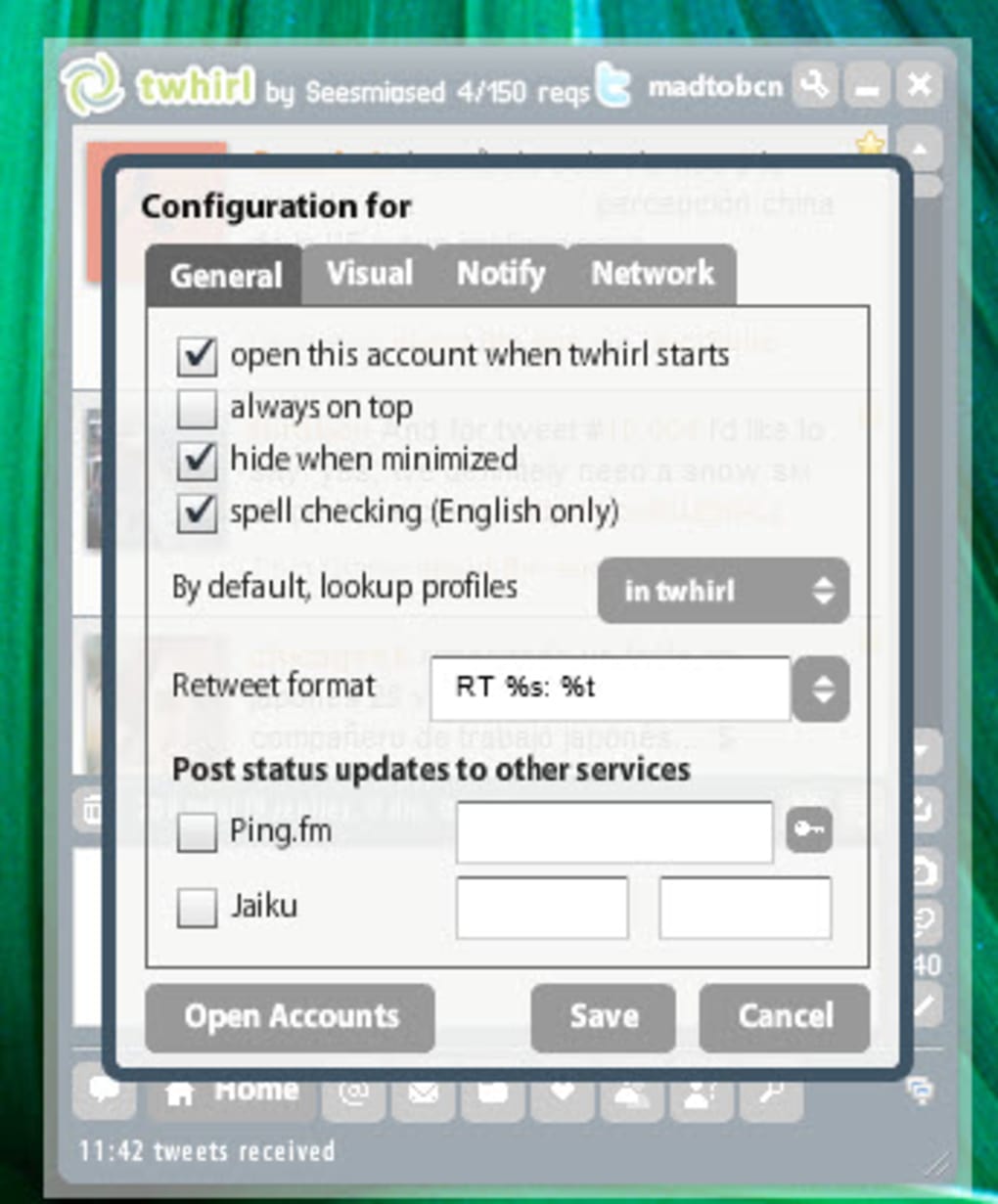
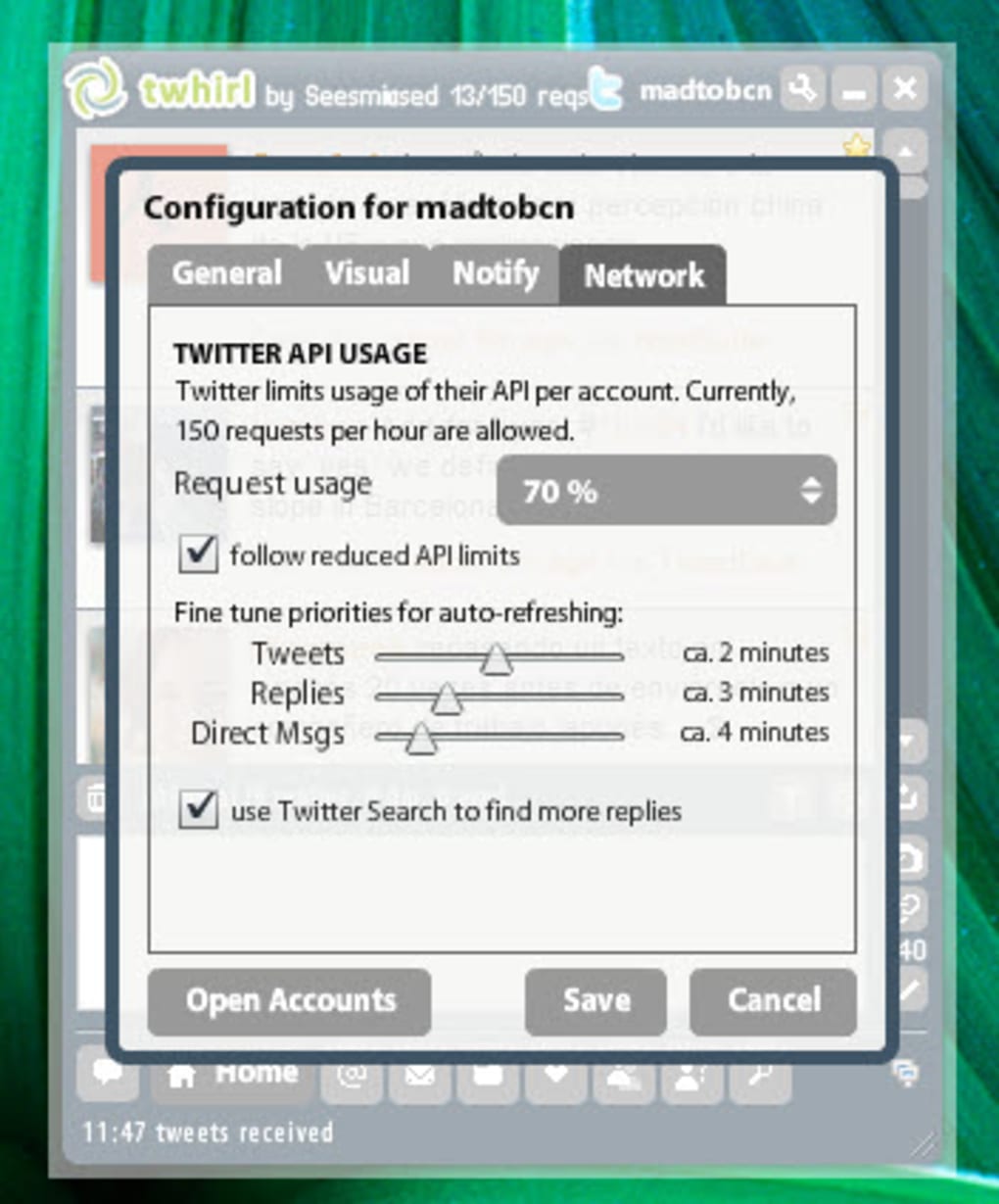
- Refresh control: Under “Preferences”, adjust the “Refresh Interval” to 30 seconds, 1 minute, or 5 minutes. Shorter intervals give you near‑real‑time updates but consume more API calls.
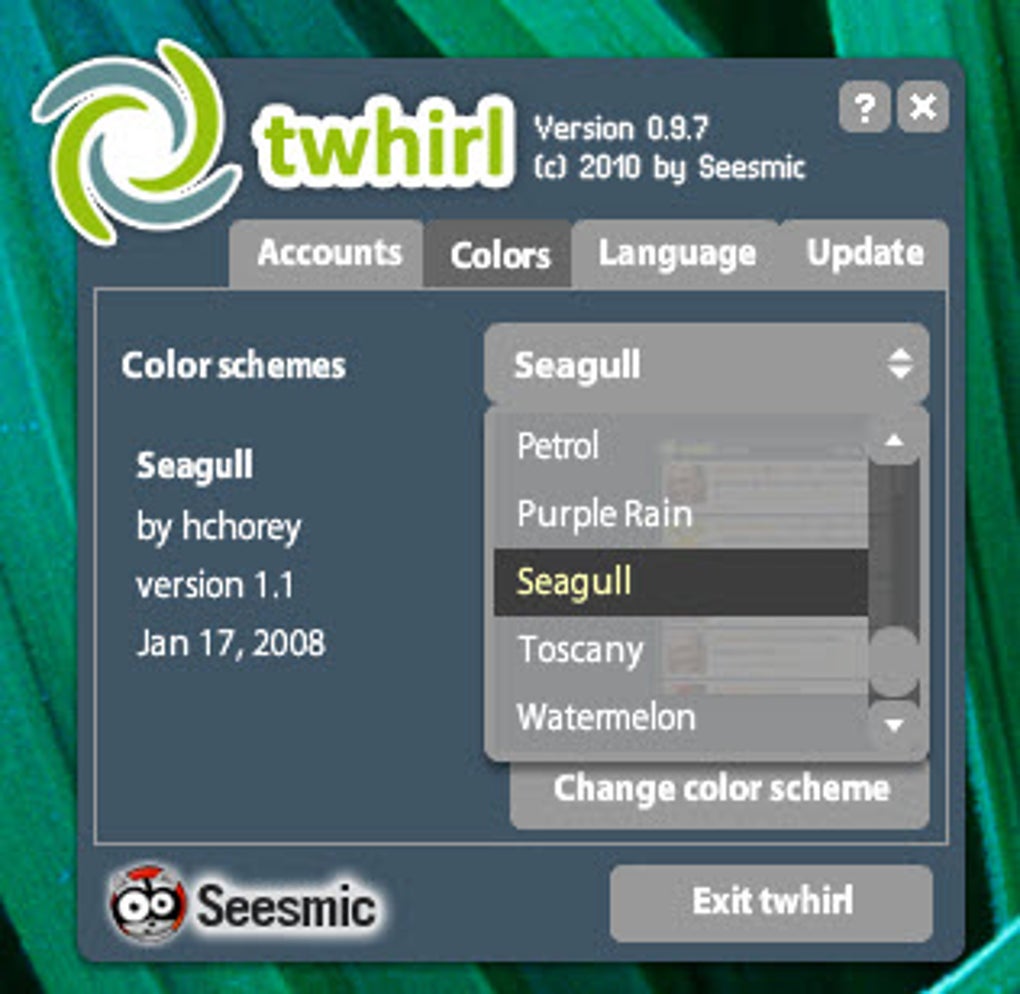
- Theme selection: Twhirl ships with a handful of pre‑built themes. For a modern look, import a custom CSS file via the “Appearance” tab.
- Managing multiple accounts: Use the account dropdown at the top‑left corner to switch between profiles instantly. Each account retains its own notification settings.
Because Twhirl runs on the Adobe AIR platform, updates are delivered as AIR packages. When a new version is available, the client will display a small badge in the tray. Click the badge to download and install the update automatically. Remember to keep your AIR runtime up to date to avoid compatibility warnings.
Compatibility, Pros & Cons
Twhirl is compatible with Windows 7/8/10/11 (both 32‑bit and 64‑bit), macOS 10.9 and later, and any Linux distribution that can run the Adobe AIR runtime (e.g., Ubuntu, Fedora). The client does not have a native mobile version; it is strictly a desktop application.
Pros
- Free to download and use, with no hidden subscription fees.
- Low system resource usage, ideal for older hardware.
- Supports multiple Twitter accounts without extra plugins.
- Real‑time tray notifications keep you informed without interrupting work.
- Highly customizable themes and notification styles.
- Secure OAuth authentication protects your login credentials.
Cons
- Relies on Adobe AIR, a platform that receives limited updates.
- Interface looks dated and can feel cluttered on high‑resolution displays.
- No native support for iOS or Android devices.
- Occasional API rate‑limit warnings if refresh interval is set too low.
- Lack of built‑in image‑hosting integration (e.g., direct Yfrog support has been removed).
While the pros make Twhirl a solid choice for power users who prioritize speed and low overhead, the cons highlight why many have migrated to newer clients with modern UI designs and native mobile apps. If you are comfortable with the AIR ecosystem and value a stable, no‑frills Twitter client, Twhirl still delivers a reliable experience.
Overall Rating: 4 out of 5 stars
Summary: Twhirl provides a fast, lightweight desktop solution for Twitter power users, though its UI feels dated and it depends on the waning Adobe AIR platform.
Frequently Asked Questions
Is Twhirl still safe to use with my Twitter account?
Yes. Twhirl uses Twitter’s OAuth authentication, which means your password never leaves the Twitter login page. The client receives an access token that can be revoked at any time from your Twitter settings.
Do I need Adobe AIR installed separately?
If you don’t already have AIR, the Twhirl installer will prompt you to download and install the latest Adobe AIR runtime automatically. Once installed, you won’t need to reinstall AIR for future updates.
Can I use Twhirl on macOS Big Sur or later?
Yes. Twhirl works on macOS 10.9 and newer, including Big Sur and Monterey, as long as the Adobe AIR runtime is compatible with your OS version.
How does Twhirl handle Twitter API rate limits?
Twhirl respects Twitter’s rate‑limit headers. You can adjust the refresh interval in Settings to reduce the number of API calls. If you approach the limit, the client will display a warning and temporarily pause updates.
Is there a way to import my existing Twitter lists into Twhirl?
Yes. After logging in, go to the “Lists” tab and click “Import”. Twhirl will sync all of your Twitter lists, allowing you to view them as separate streams within the client.
Conclusion & Call to Action
In summary, Twhirl remains a functional, free desktop client for Twitter enthusiasts who value speed, low resource consumption, and multi‑account management. While the UI may feel a bit nostalgic and the reliance on Adobe AIR could raise concerns for some, the core features—real‑time notifications, customizable themes, and secure OAuth login—still hold up well in 2025. If you’re looking for a lightweight alternative to browser‑based Twitter or need a dedicated tray app for quick updates, give Twhirl a try. Download the installer below, follow the simple setup steps, and enjoy a streamlined Twitter experience on your desktop today.
Download Twhirl NowGuides & Tutorials for Twhirl
How to install Twhirl
- Click the Preview / Download button above.
- Once redirected, accept the terms and click Install.
- Wait for the Twhirl download to finish on your device.
How to use Twhirl
This software is primarily used for its core features described above. Open the app after installation to explore its capabilities.
User Reviews for Twhirl 0
No reviews found





